Golang
This guide will show you how to implement the user authentication in a Go application. For this tutorial, we will use the Go demo from GitHub and show you step by step how to run it.
Prerequisites
This tutorial assumes you have:
- Basic knowledge of HTML/CSS
- Latest Go version installed on your system
Setup Your Dashboard
Get your credentials and whitelist your application domain as explained in this section. This is a mandatory step to successfully implement and run the demo.
Start with Auth Page (IDX) demo
You can clone the Auth Page demo repository on your system using below commands:
With SSH
git clone git@github.com:LoginRadius/login-page-demos.gitWith https
git clone https://github.com/LoginRadius/login-page-demos.gitNow move to the directory Go demo by running the following command using the terminal
cd login-page-demo/go-idx-demo/This is the file structure you will get in the GoLang demo, let's see what each file does
config folder - Contains the public and secret environment files.
pkg folder - Contains all code for routes and APIs
ui folder - Contains all the HTML, CSS and JS file to create UI for the test application
go.mod - contains all the go lang dependencies
main.go - Contains all the code to run a server and render the html files.
.
+-- config
|   --- public.env
|   --- secret.env
+-- pkg
+-- ui
|   +-- assets
|   |   +-- css
|   |   +-- img
|   |   +-- js
|   |   --- index.html
|   |   --- profile.html
|   |   --- resetpassword.html
--- go.mod
--- main.go- Set your LoginRadius credentials on the client and server-side in the following files
- Server side:
public.env
BASEURL=http://localhost:3000/
DOMAIN=https://api.loginradius.com- Server side:
secret.env
APIKEY=<LoginRadius API key>
APISECRET=<LoginRadius API secret>- Client side:
ui/assets/js/options.js
commonOptions.apiKey = "<LoginRadius API key>";
commonOptions.appName = "<LoginRadius App Name>";- Running application
Run the below commands in the terminal from the root folder of the application, Once all the dependencies have been installed run the application
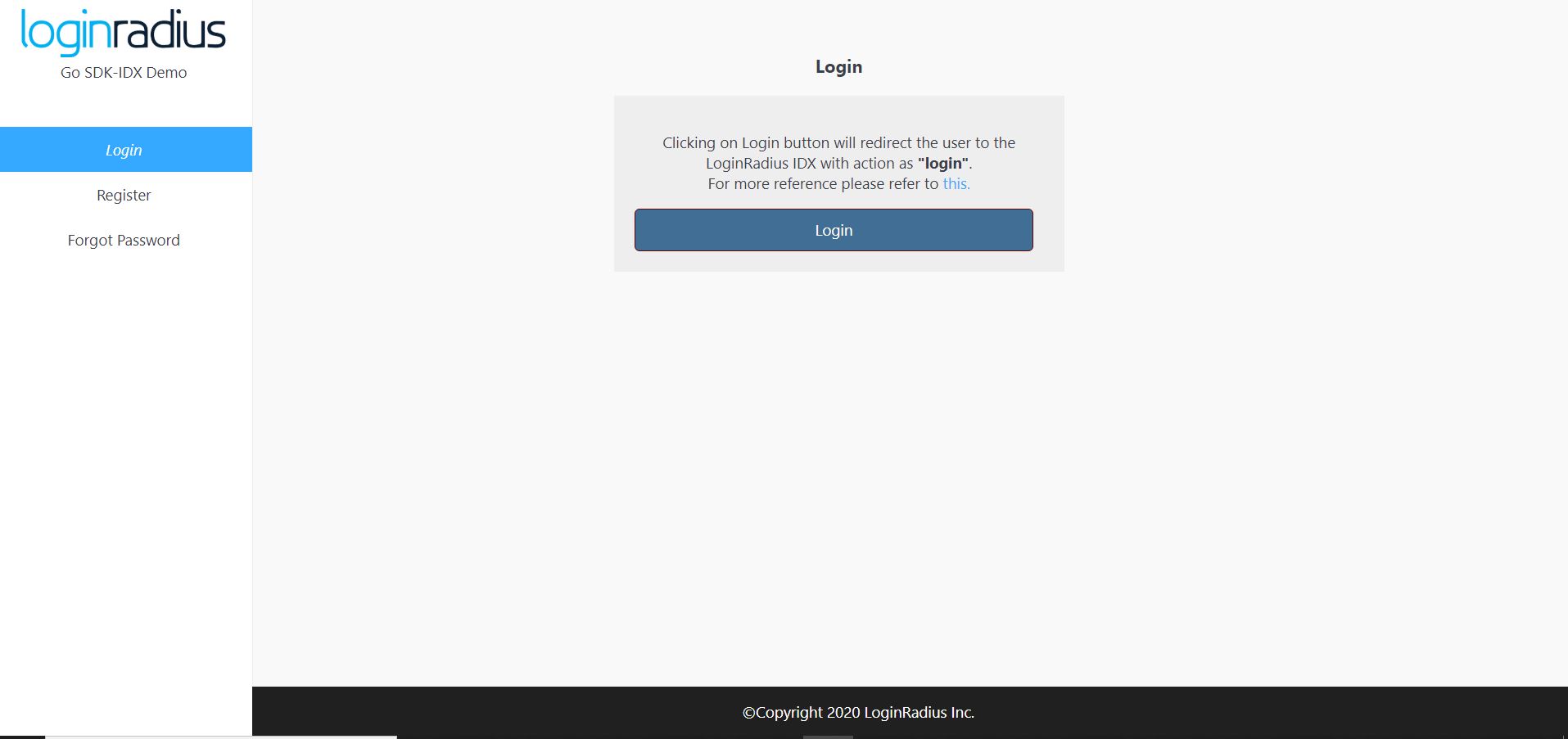
go run main.goThen visit http://localhost:3000 from your local browser and you will see the application running. Once you click on login button it will redirect you to auth page.
Features implemented in demo
- Login with Auth Page (IDX)
- Registration with Auth Page (IDX)
- Email Verification
- Forgot Password
- Reset Password
Discover More
Discover More on
- Add/Update Email Templates
- Customize Your Login Page
- Work with SOTT
How To Guides
- Implement SMTP Configuration
- Implement Social Login